Solving Git Branch Reconciliation Bottlenecks in Large Dev Teams
Learn advanced Git rebase patterns, merge conflict resolution tactics, and branch management strategies designed for large engineering teams.
Version Control
Solving Git Branch Reconciliation Bottlenecks: A Practical Rebase Guide
Team Workflows • 9 Min Read
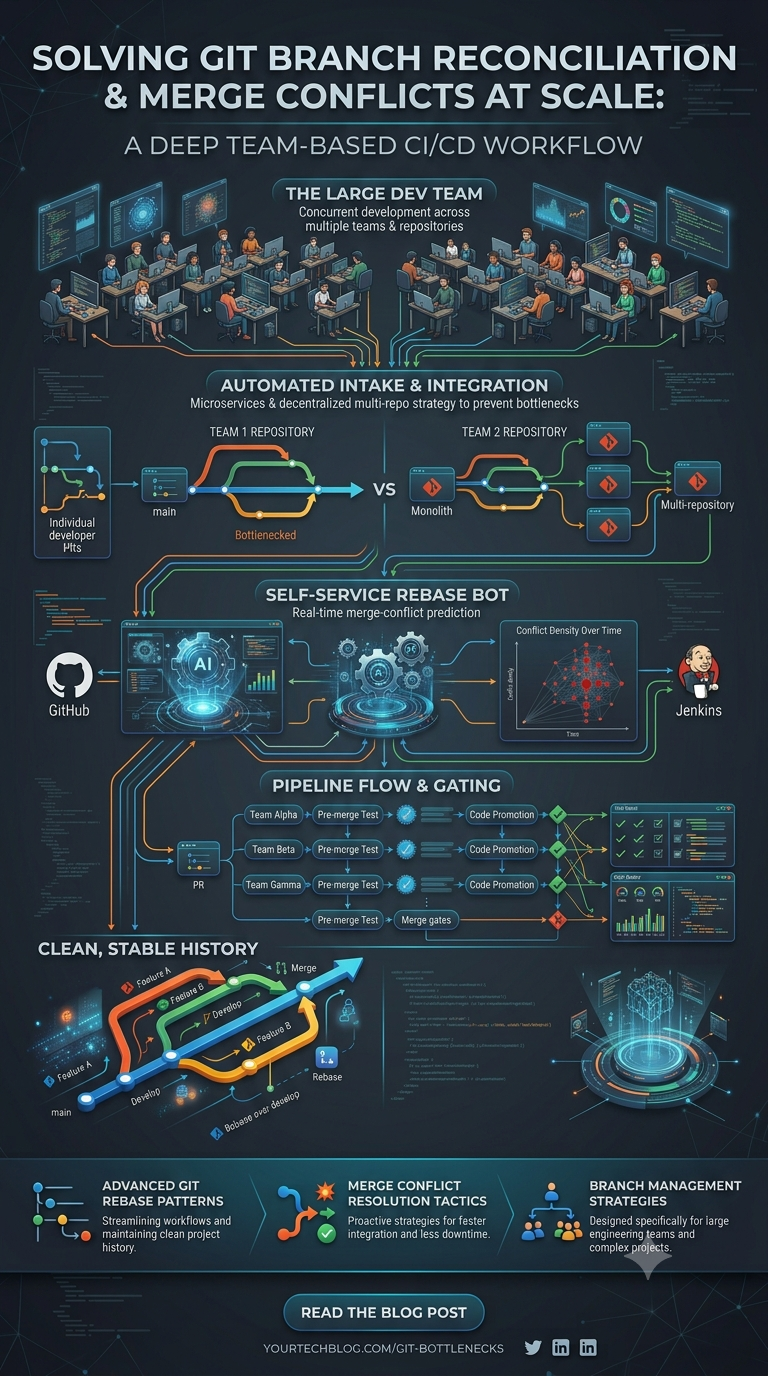
The Problem with Legacy Merge Commit Webs
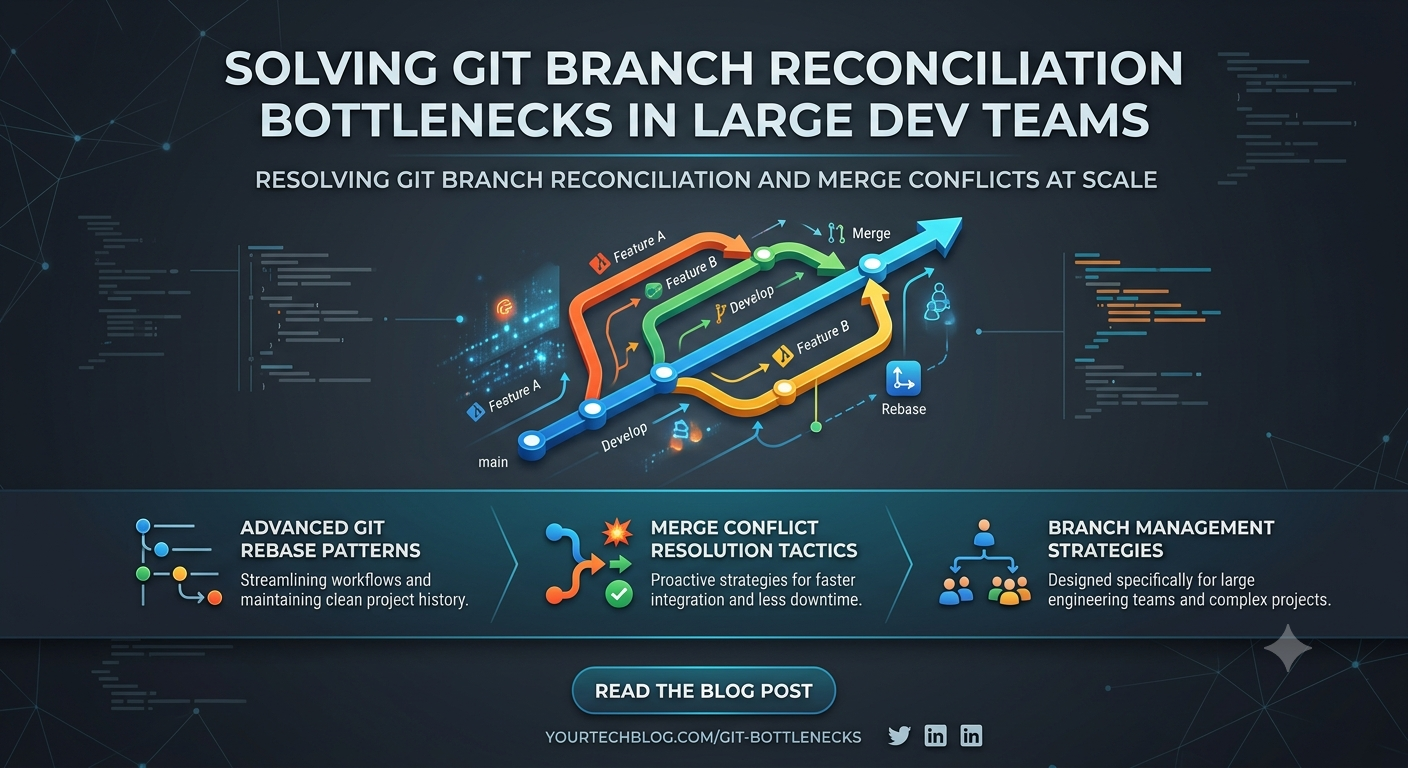
When large engineering teams work on shared codebases simultaneously, standard merge actions create messy commit histories. This makes code reviews, rollbacks, and bug tracing incredibly difficult. Embracing a clean, linear commit strategy via interactive git rebasing reduces code conflicts, cleans up commit logs, and helps maintain a pristine production branch.
Enforcing Clean Rebase Workflows
Instead of merging downstream branches using standard pull configurations, update feature working states by rebasing them against your primary staging branch.
Advanced Git Command Sequence
# Step 1: Fetch stable upstream changes without poluting working branch files
git fetch origin main

# Step 2: Rebase your active working changes cleanly on top of the main branch
git rebase origin/main

# Step 3: In case of structural code conflicts, resolve manually and continue the sequence
# git add conflicted-file.js
# git rebase --continue

# Step 4: Safely push feature updates to remote hosting engine using lease validation protection
git push origin feature-panel-upgrade --force-with-lease
Workflow Safeguard
Never use the dangerous --force flag when pushing code to shared team branches. Always use --force-with-lease instead to protect your teammates' commits from being accidentally overwritten.
Leave a comment
Your email address will not be published. Required fields are marked *