Secure CI/CD Pipelines
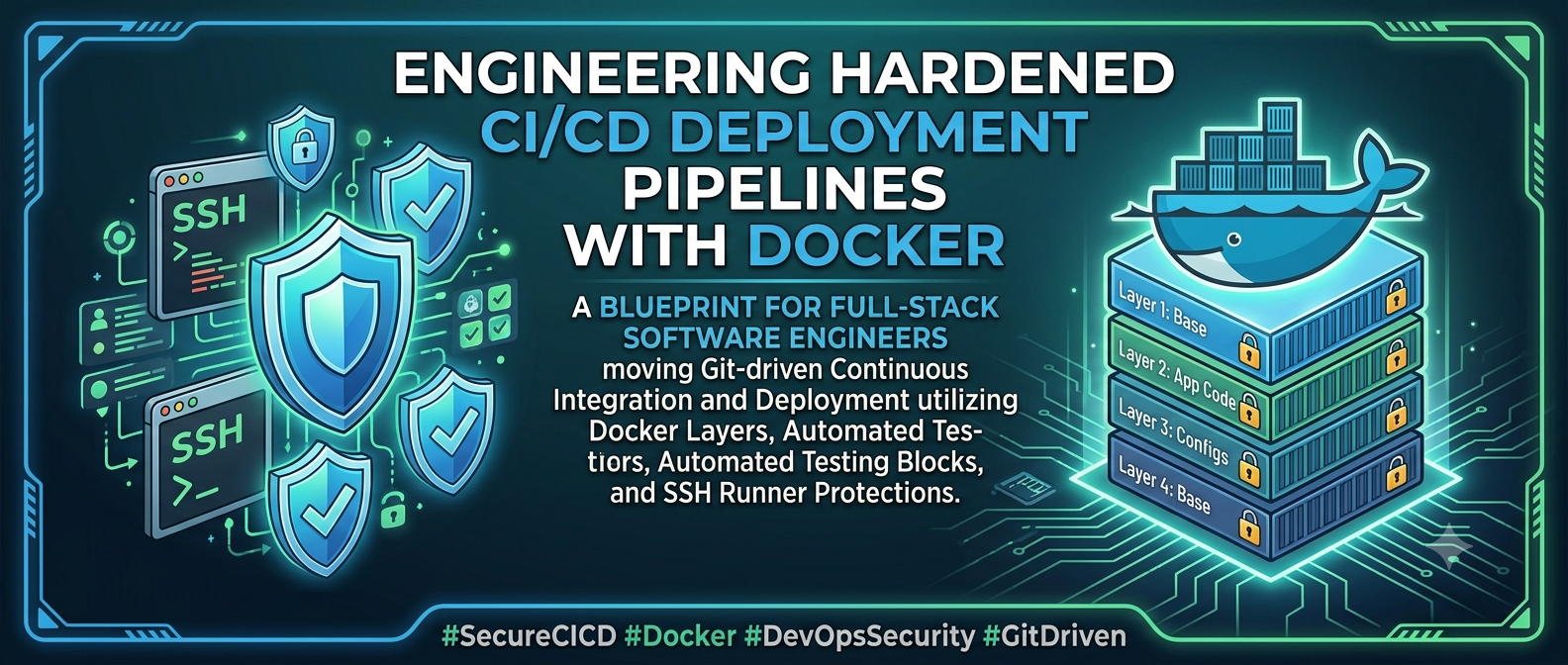
Implement secure, automated Git-driven continuous integration and deployment pipelines using Docker layers, automated testing blocks, and SSH runner protections.
DevOps & Security
Hardening CI/CD Engines: Securing Build Runners and Container Strategies
Technical Deep Dive • 9 Min Read
Why Automated Pipeline Hardening is Non-Negotiable
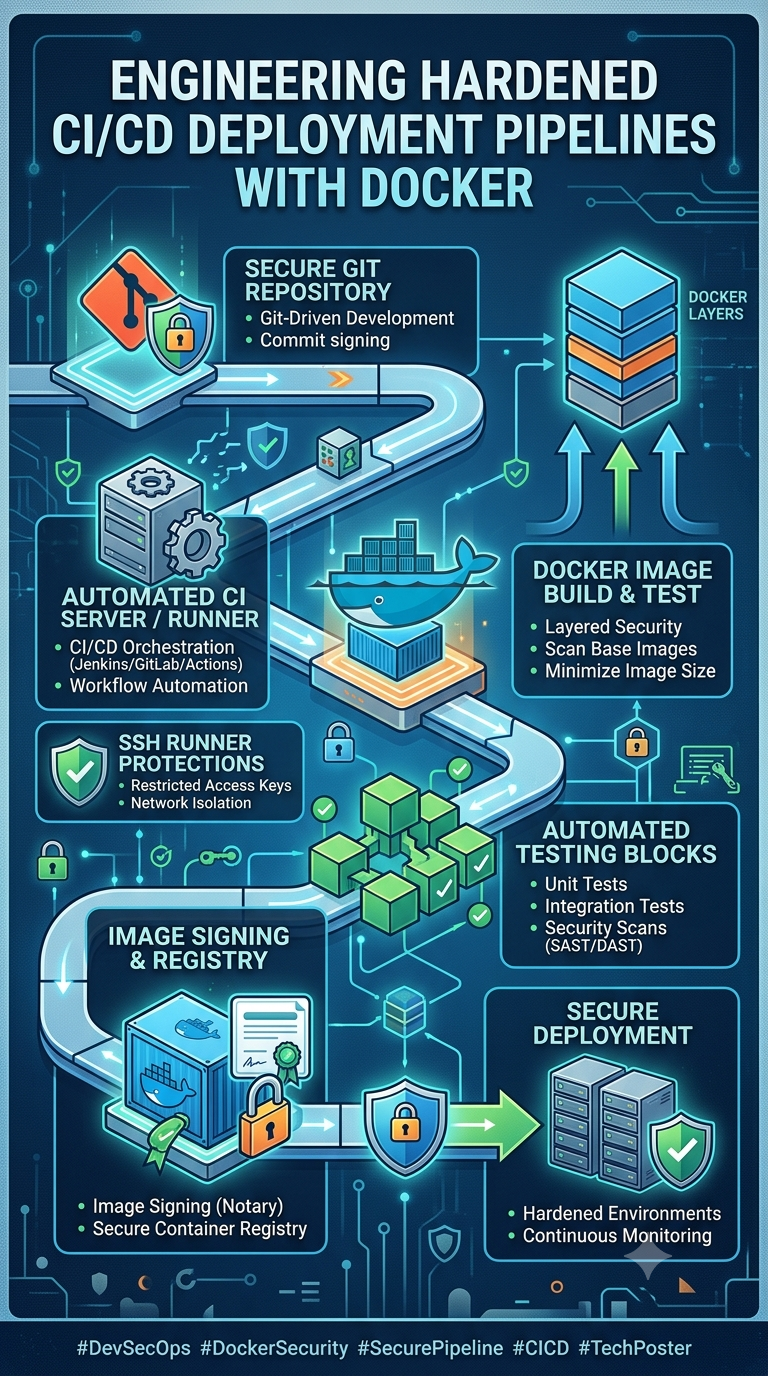
Manual code deployment over raw FTP paths is slow and highly prone to introducing critical configuration errors. While implementing modern Automated CI/CD Pipelines bridges this speed gap, failing to secure your pipeline environment can expose production secrets, environment keys, and root target-server credentials to the public web if a breach occurs. Hardened pipelines prevent code vulnerabilities from reaching live servers by combining automated code verification blocks with multi-stage Docker builds.
Building a Multi-Stage Container Pipeline
The gold standard of safe deployment architecture relies on compiling application dependencies inside a temporary, isolated build instance. Once verification completes, copy the optimized build files directly into a clean, minimal image tag, keeping development dependencies entirely out of production containers.
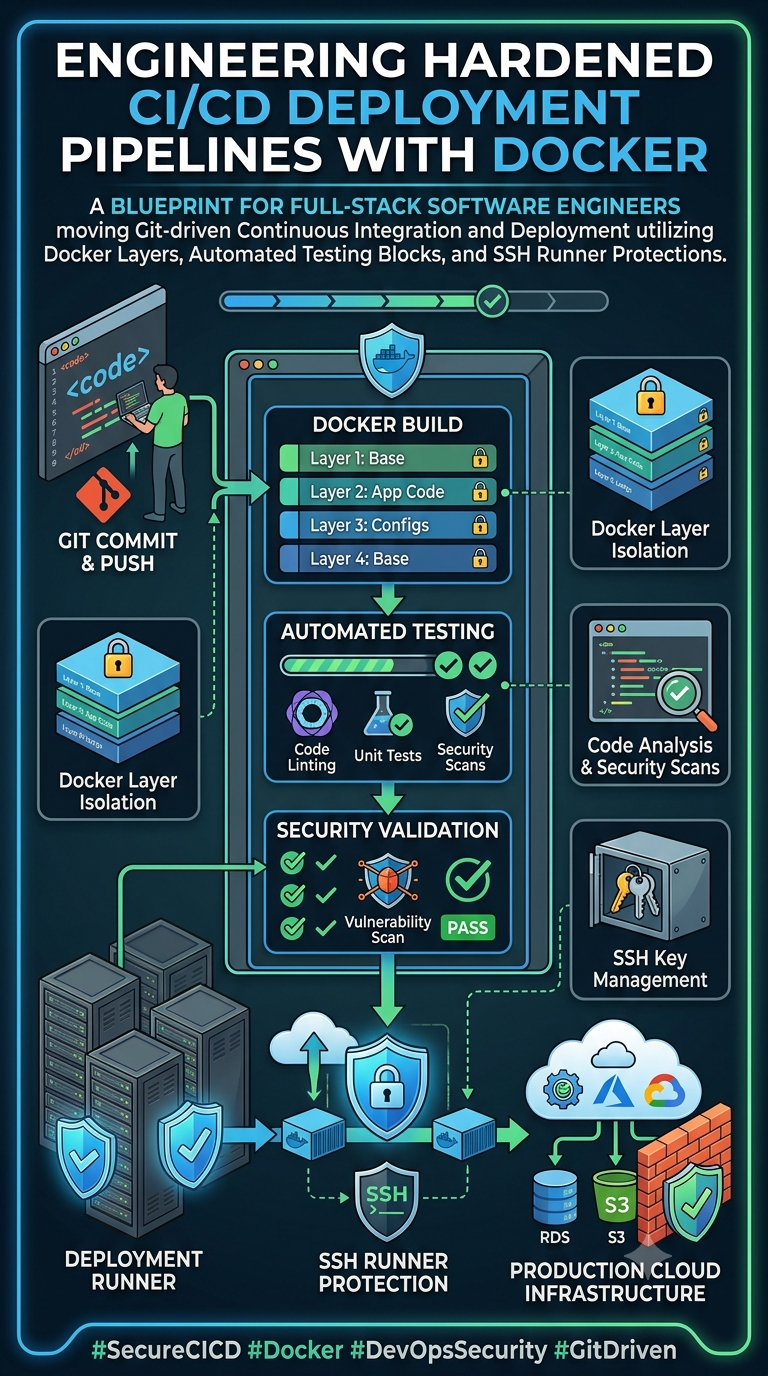
Production-Grade Hardened Multi-Stage Dockerfile Blueprint
# STAGE 1: Isolated Environment for Code Assembly and Package Compilation
FROM node:20-alpine AS build_engine
WORKDIR /usr/src/app
COPY package*.json ./
RUN npm ci --only=production # Install targeted production dependencies directly
COPY . .
RUN npm run build

# STAGE 2: Hardened, Highly-Optimized Production Container Runtime
FROM node:20-alpine AS runtime_engine
WORKDIR /var/www/app
ENV NODE_ENV=production

# Drop default root privileges and enforce lower user security controls
USER node
COPY --chown=node:node --from=build_engine /usr/src/app/dist ./dist
COPY --chown=node:node --from=build_engine /usr/src/app/node_modules ./node_modules

EXPOSE 3000
CMD ["node", "dist/main.js"]
DevOps Security Golden Rule
Never commit raw file arrays containing security variables (.env files) directly into your git commit history. Inject credentials at execution time using protected environment keys managed by your pipeline secrets vault or GitHub Actions environment console .
Leave a comment
Your email address will not be published. Required fields are marked *