How to Clear Docker Container Cache Without Breaking Staged Builds
Learn how to prune Docker system caches safely, run structural purges, and protect multi-stage layer caches to keep pipeline builds fast.
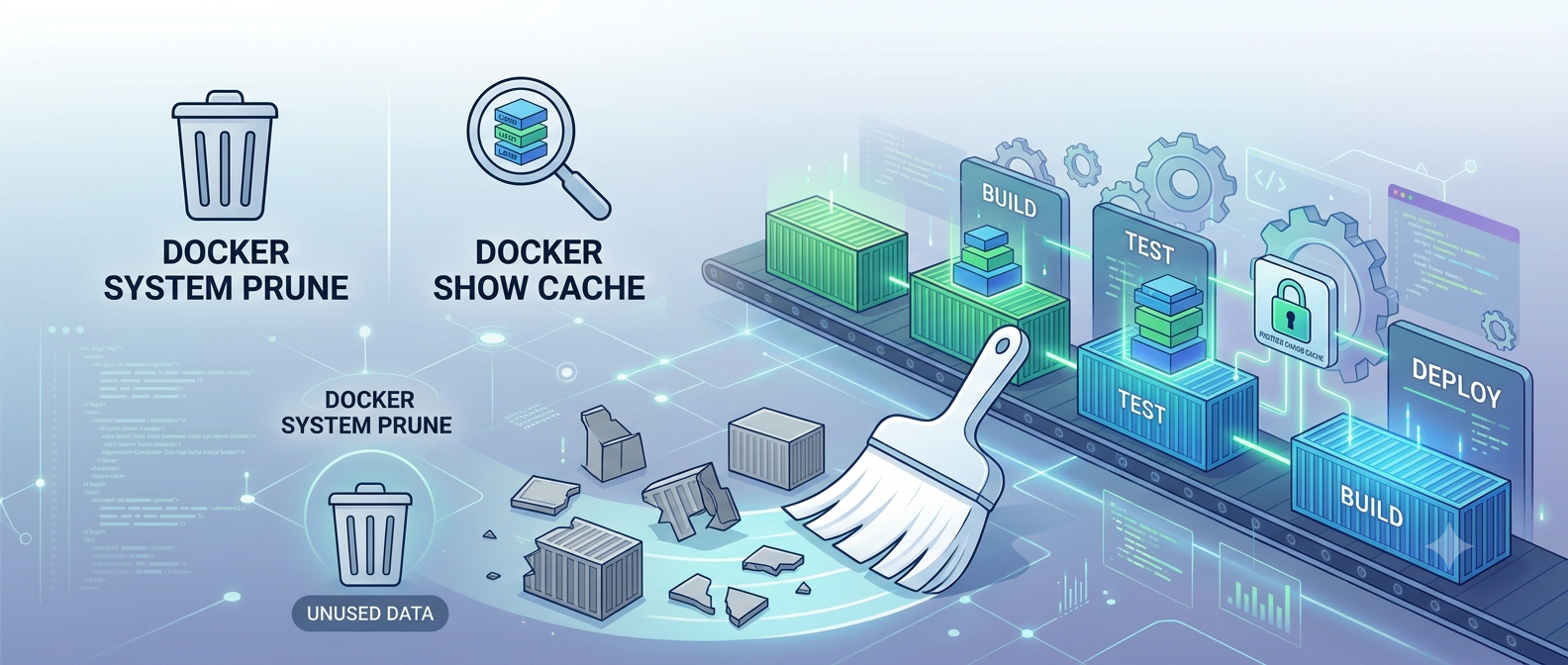
Docker Operations
Deep Cleaning Docker Systems: Optimizing Container Layers and Pruning Caches Safely
DevOps Maintenance • 8 Min Read
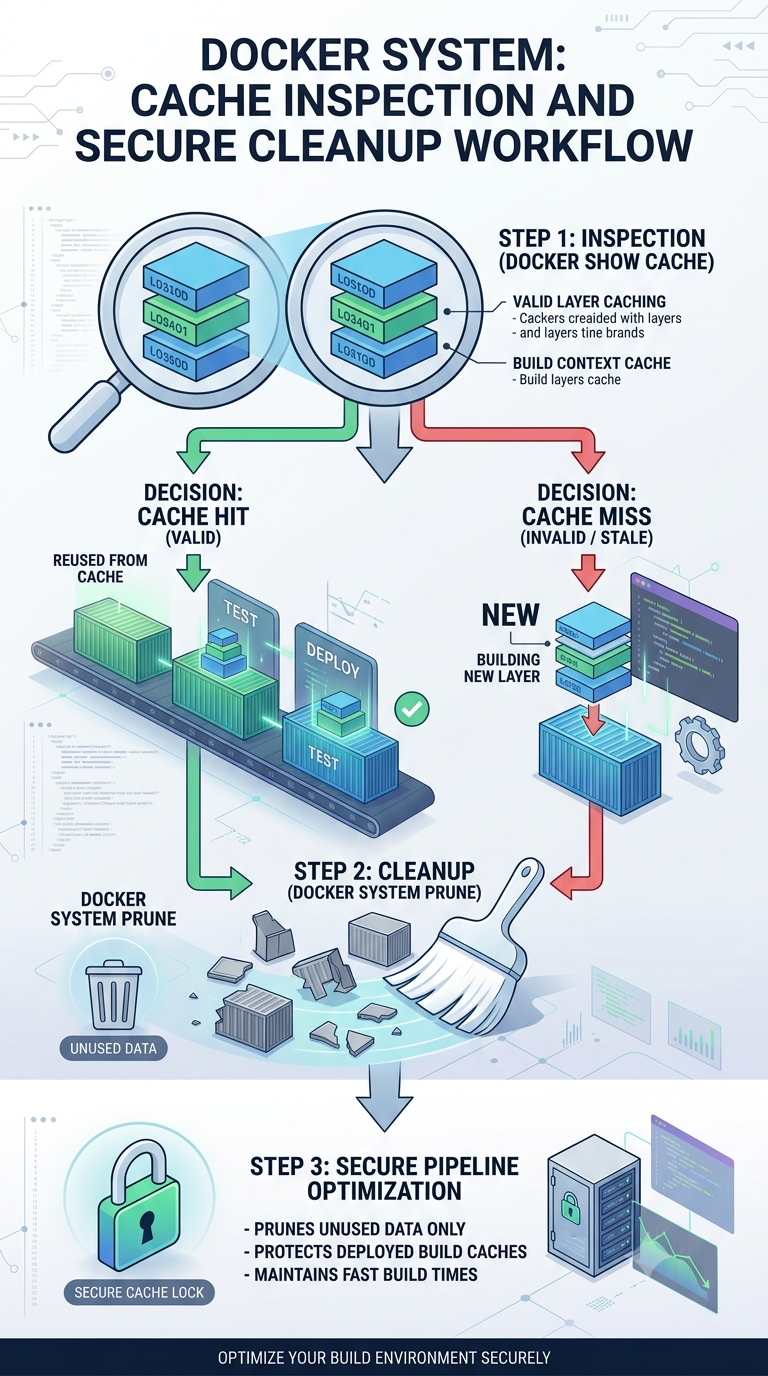
Why Intelligent Docker Layer Pruning is Necessary
Continuous automated builds can quickly fill up runner disks with dangling images, orphaned layers, and stale build caches. However, running a blunt system prune --all wipes out all cached package layers indiscriminately. This forces subsequent pipeline runs to re-download unchanged upstream components, slowing down deployment speeds. Managing your Docker system storage intelligently frees up valuable disk space while preserving key build caches.
Targeted Garbage Collection and Storage Purging
Isolate your storage cleaning tasks by prioritizing dangling images and unreferenced build volumes before running a deeper, controlled system purge.
Production-Grade Docker Cleanup Routine
# Step 1: Safely drop unused build layers without deleting active volume dependencies
docker builder prune --filter "until=24h" --force

# Step 2: Remove dangling untagged network components and stopped container remnants
docker system prune --filter "until=168h" --force

# Step 3: Run targeted disk space audits to quickly find data-heavy volume mounts
docker system df -v
Pipeline Best Practice
Order your Dockerfile commands carefully. Keep slow-changing asset declarations (like package install steps) above volatile application code copies to make the most of Docker's native layer caching.
Leave a comment
Your email address will not be published. Required fields are marked *