Automated Widget Synchronization Workflows for Custom Dashboards
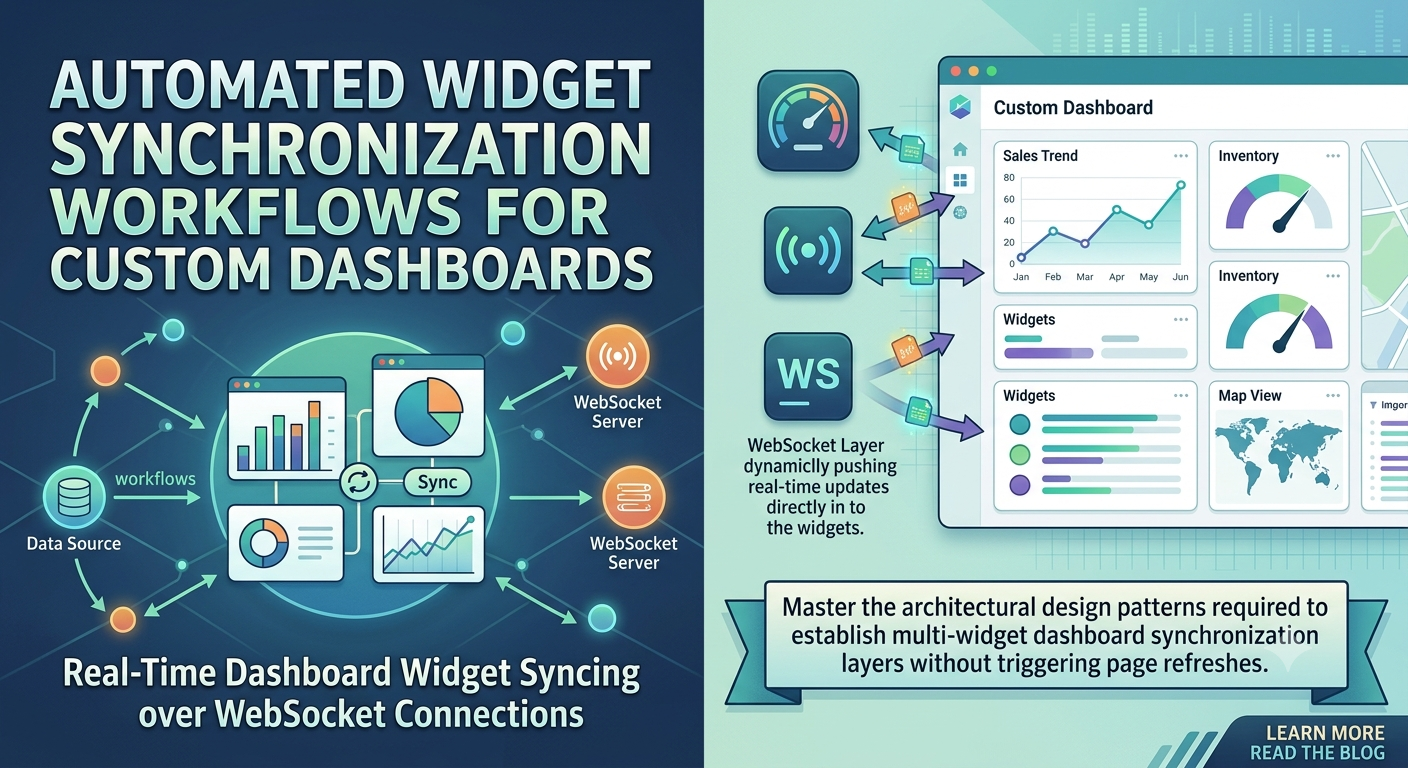
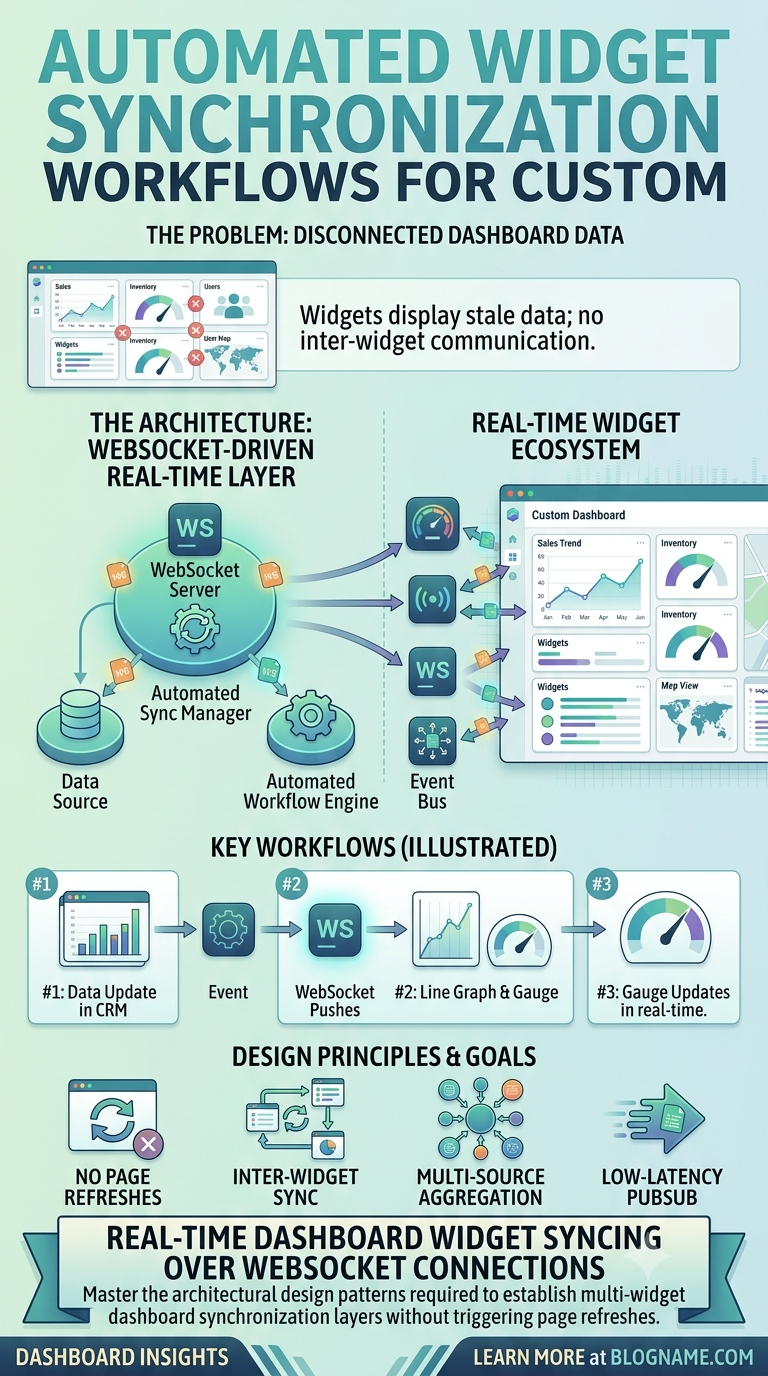
Master the architectural design patterns required to establish multi-widget dashboard synchronization layers without triggering page refreshes.
Real-time UI
Designing Dynamic Widget Synchronization Workflows for Enterprise Dashboards
Frontend Architecture • 10 Min Read
Why Automated Dashboard Component Syncing is Crucial
In modern infrastructure monitoring tools or hosting panels, dashboards display highly fluid server health analytics, active network throughput, and log alerts simultaneously. If each tracking card queries the primary database independently using old-fashioned polling loops, client web browsers will quickly trigger rate-limiting errors. Implementing a centralized state management and synchronization layer lets multiple interface cards receive real-time updates through a single secure server-sent connection.
Synchronizing Local View Components via JavaScript State Controllers
Establish a single, lightweight event bus or global state context handler that listens for network socket triggers and safely broadcasts updates to individual UI cards.
Dynamic React Custom Hook Sync Mechanism
import { useEffect, useState } from 'react';

export function useWidgetSync(widgetId, socketBroker) {
    const [metrics, setMetrics] = useState(null);

    useEffect(() => {
        // Subscribe cleanly to targeted telemetry channels
        socketBroker.emit('join-widget-channel', { id: widgetId });

        socketBroker.on(`metrics-update-${widgetId}`, (freshPayload) => {
            setMetrics(freshPayload);
        });

        return () => {
            socketBroker.emit('leave-widget-channel', { id: widgetId });
            socketBroker.off(`metrics-update-${widgetId}`);
        };
    }, [widgetId, socketBroker]);

    return metrics;
}
UI Performance Metric
Always use input throttling or requestAnimationFrame hooks when updating charts with high-frequency stream data. This maintains a fluid 60FPS browser layout experience even during heavy system spikes.
Leave a comment
Your email address will not be published. Required fields are marked *