Zero-Downtime CI/CD Automation & GitOps Pipelines
Eliminating manual deployment liabilities by creating completely automated integration and deployment configurations utilizing GitHub Actions, Jenkins, and GitLab CI/CD pipelines.
Automation & Operations
Zero-Downtime CI/CD Automation & GitOps Pipelines
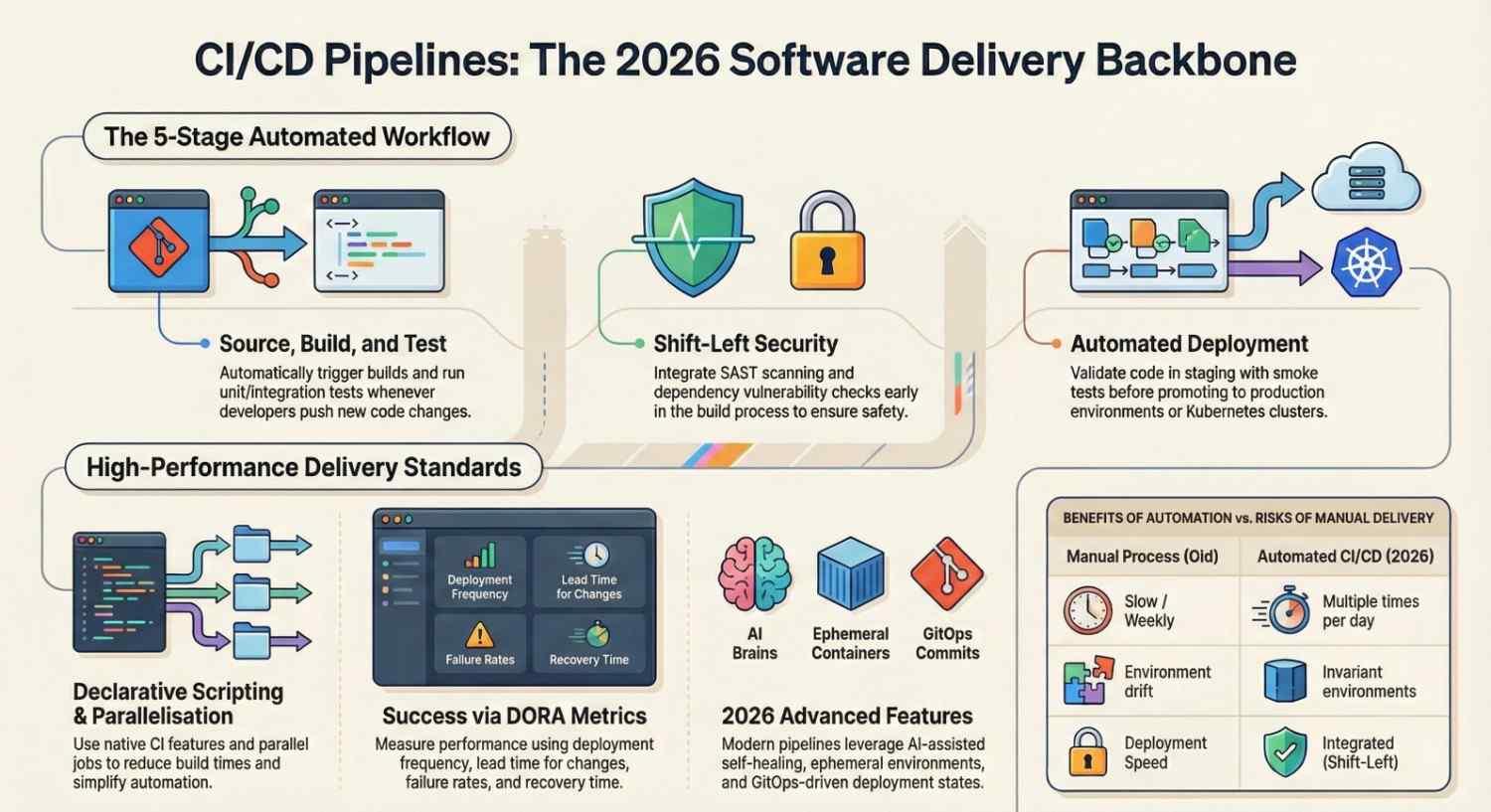
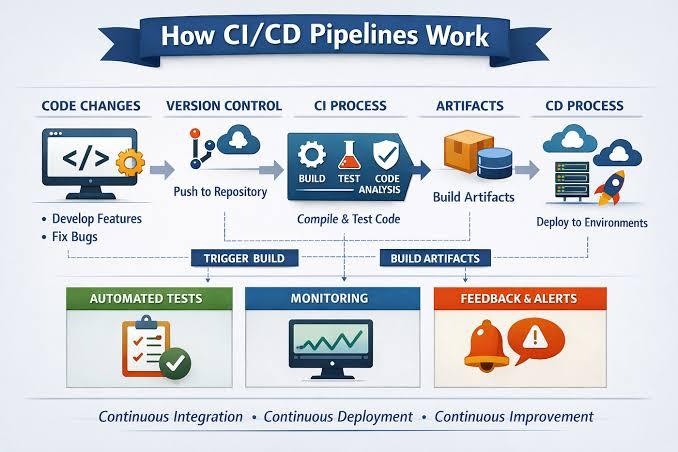
Manual updates open the door to fatal downtime. I construct secure CI/CD continuous deployment channels that handle building, testing, auditing, and multi-stage rolling deployments entirely on code commits.
Automation & Pipeline Blueprint
- Automated Test Runners: Embedding automated PHPUnit, Jest, and behavioral validation testing directly inside the integration pipeline before code qualifies for staging environments.
- Secure Container Workflows: Generating lightweight multi-stage Docker builds, verifying compliance, uploading to AWS ECR, and initiating rolling rollouts.
- Real-Time System Telemetry: Configuring deployment tracking webhooks that alert internal Slack/WhatsApp channels the moment a pipeline executes or errors.
Real Production Pipeline Config (GitHub Actions)
name: Production Zero-Downtime Deploy
on:
  push:
    branches: [ main ]
jobs:
  deploy:
    runs-on: ubuntu-latest
    steps:
    - name: Checkout Repository
      uses: actions/checkout@v3
    - name: Build and Push Docker Image
      run: |
        docker build -t apitsoft/app:${{ github.sha }} .
        echo "${{ secrets.DOCKER_PASSWORD }}" | docker login -u "${{ secrets.DOCKER_USER }}" --password-stdin
        docker push apitsoft/app:${{ github.sha }}
    - name: Trigger EKS Rolling Update
      run: |
        aws eks update-kubeconfig --name production-cluster --region us-east-1
        kubectl set image deployment/web-app web=apitsoft/app:${{ github.sha }} --record
How You Can Use This Service
Say goodbye to risky manual file replacement via FTP. You can bring this workflow into your workspace by deploying GitHub Actions runners, specialized Jenkins installations, or custom GitOps triggers that connect directly to your git codebases for completely hand-free updates.

Leave a comment
Your email address will not be published. Required fields are marked *