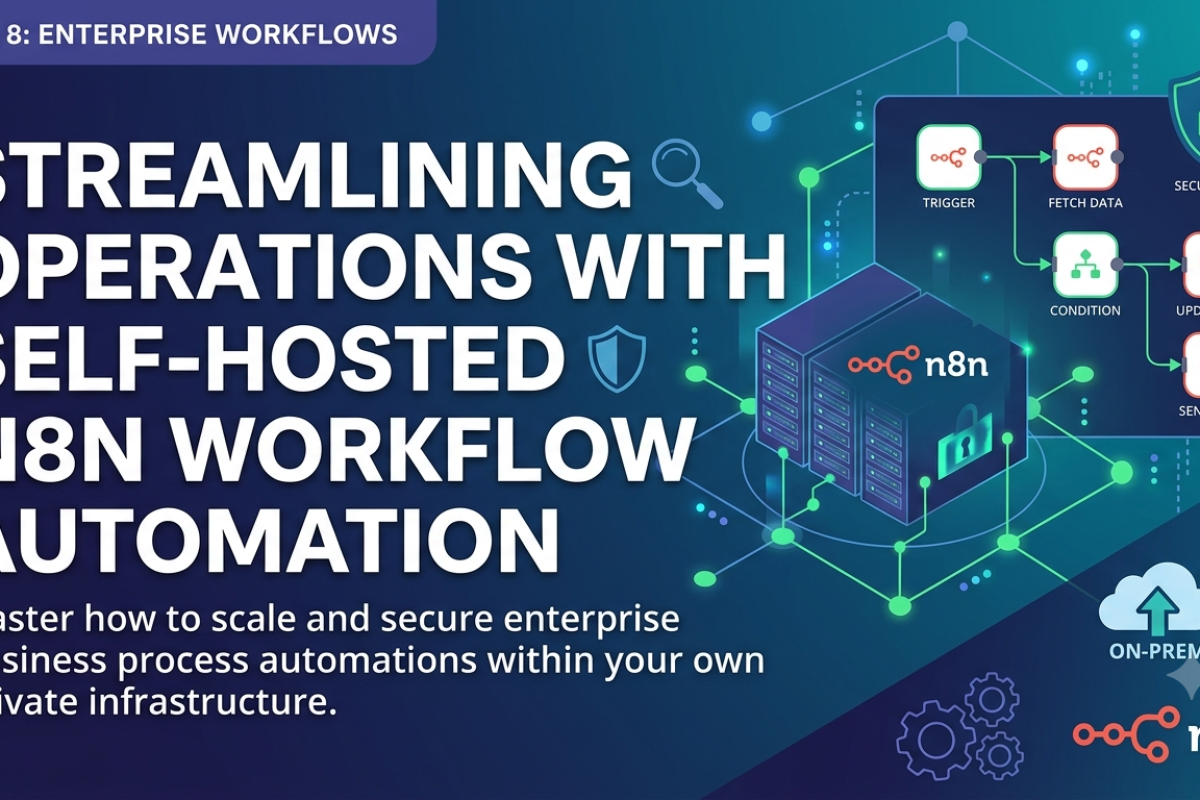
Local AI Agent Deployment via Docker Containers
Guide to setting up, isolating, and deploying open-source Large Language Models (LLMs) locally using Ollama inside secure Docker containers with GPU acceleration.
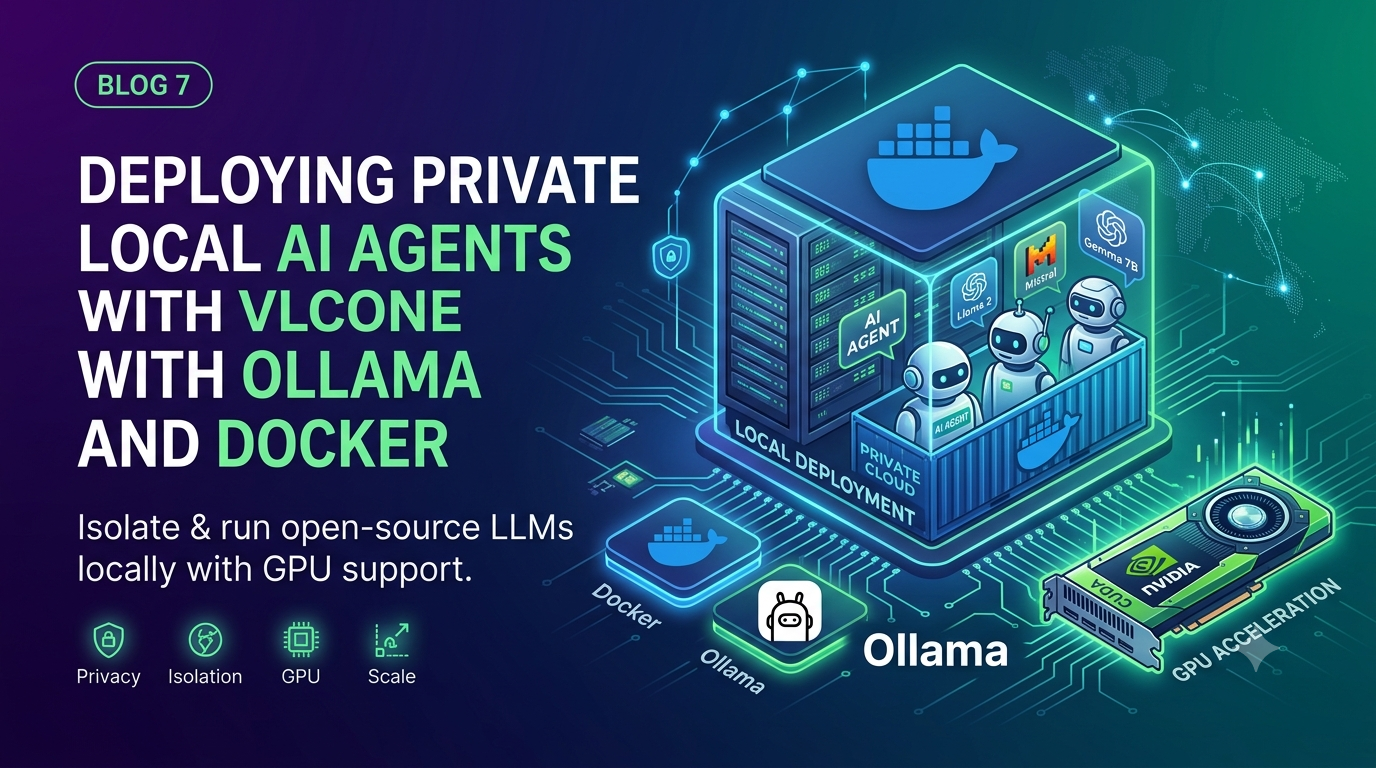
AI & Containerization
Running Private Local LLM Infrastructures Inside Hardened Docker Environments
DevOps Tutorial • 10 Min Read
Why Local AI Hostings are Becoming Mandatory
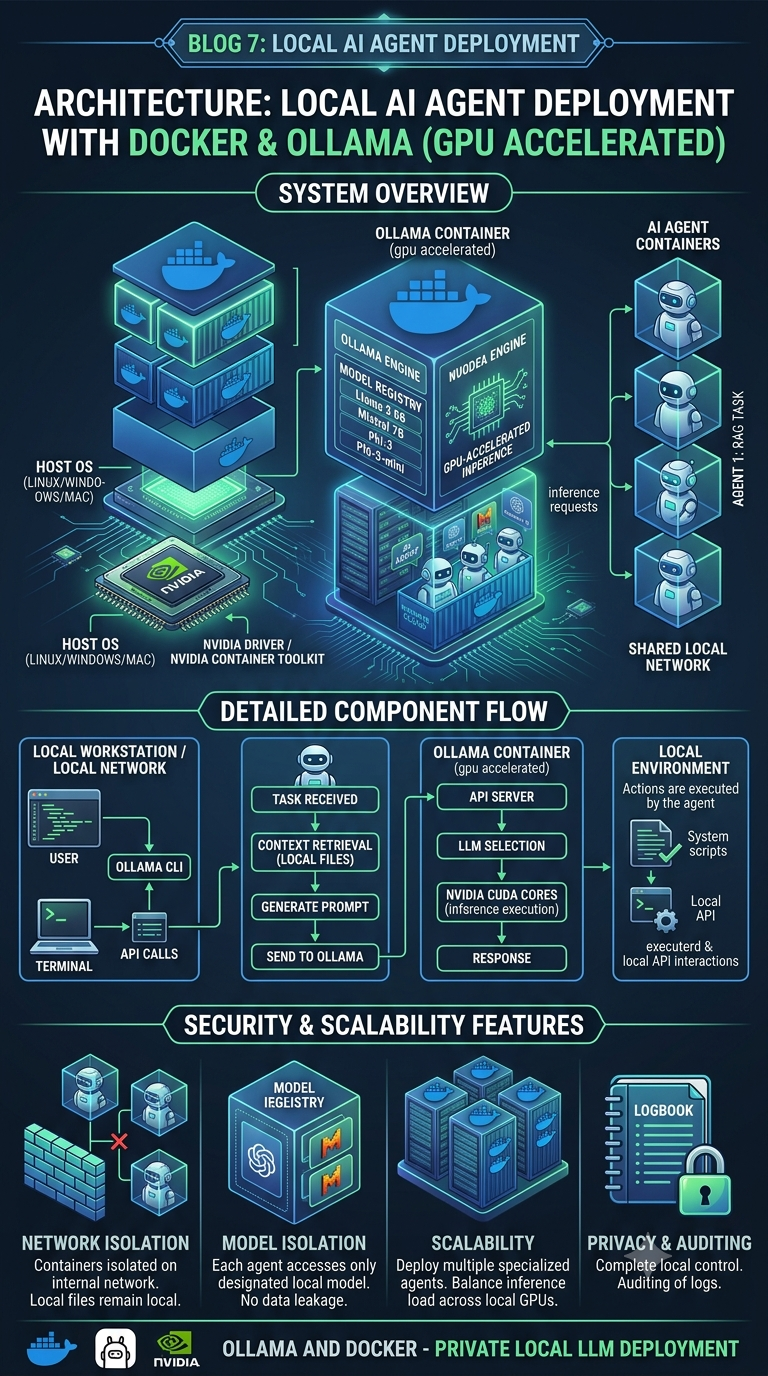
Sending sensitive client data or proprietary code to external third-party cloud AI APIs poses serious compliance and security risks. Running local AI models via Ollama ensures full data privacy, zero API call costs, and complete offline operations. Isolating these models inside Docker containers lets you seamlessly bundle dependencies, scale your inference engines, and restrict system resource use.
Setting Up Ollama via Docker Compose with NVIDIA Runtime
To run local LLMs efficiently, you must expose your host system's GPU inside the Docker execution block. This prevents slow CPU fallback speeds.
Docker Compose Blueprint (docker-compose.yml)
version: "3.8"
services:
  ollama-core:
    image: ollama/ollama:latest
    container_name: private_ai_engine
    volumes:
      - ./ollama_storage:/root/.ollama
    ports:
      - "11434:11434"
    deploy:
      resources:
        reservations:
          devices:
            - driver: nvidia
              count: all
              capabilities: [gpu] # Enables direct hardware acceleration pass-through
    restart: unless-stopped
Performance Insight
After spinning up the environment, access the shell and pull optimized quantized variants (like llama3:8b-instruct-q4_K_M) to minimize memory usage while keeping responses accurate.
Leave a comment
Your email address will not be published. Required fields are marked *